
Why a digital version
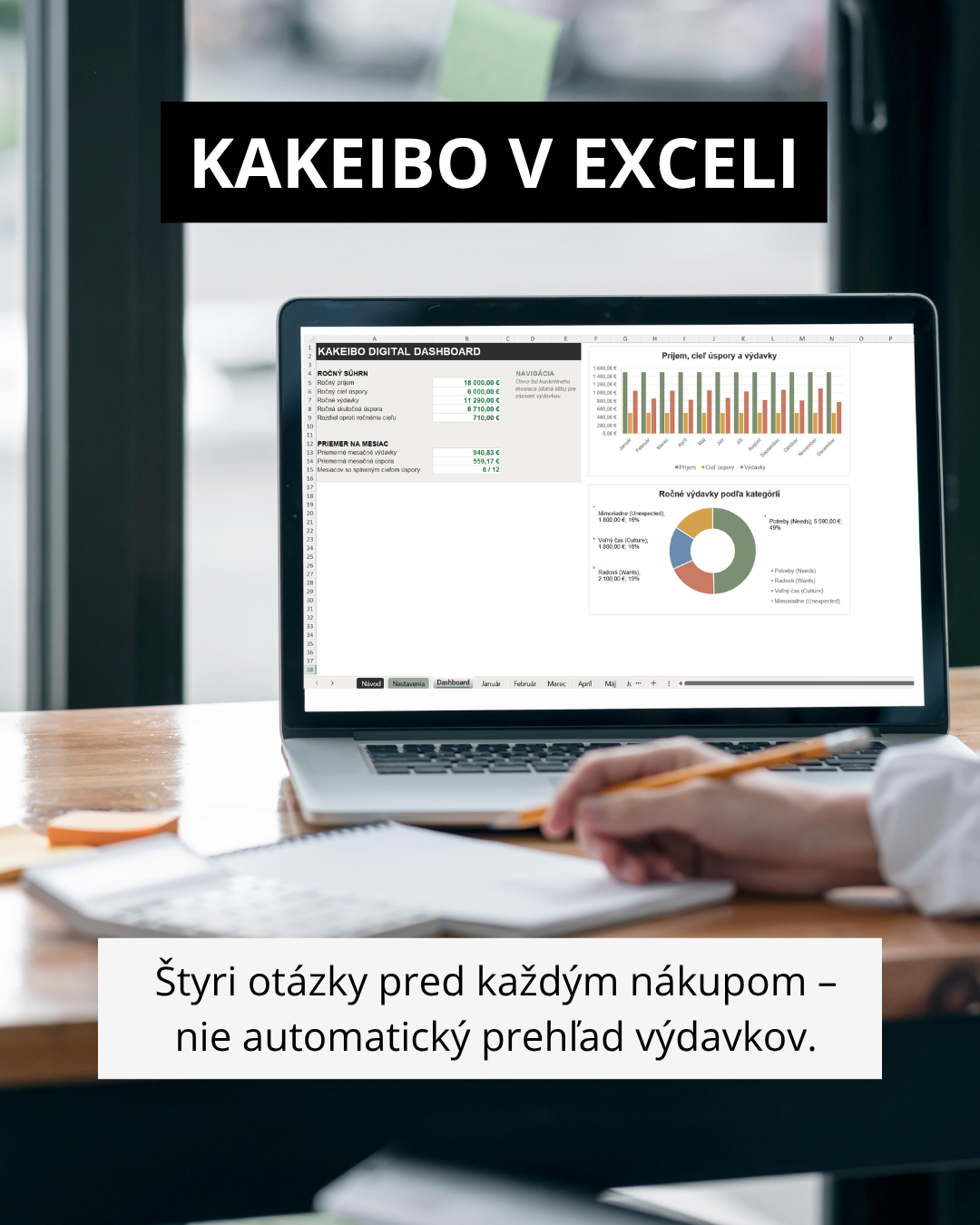
- The original Kakeibo is written by hand. That isn’t just a technical limitation of the old method — writing by hand is itself part of its slowing-down mechanism. This version doesn’t pretend otherwise. It’s a conscious trade-off: you gain automatic totals, overviews, and charts across the year; you lose the slowing-down effect that handwriting provides.
- If you’re looking for the original, meditative paper-and-pen format, this template won’t replace it. If you want the kakeibo principle but without adding things up by hand at the end of the month, you’re in the right place.
How FAMILY FINANCES (Kakeibo) works
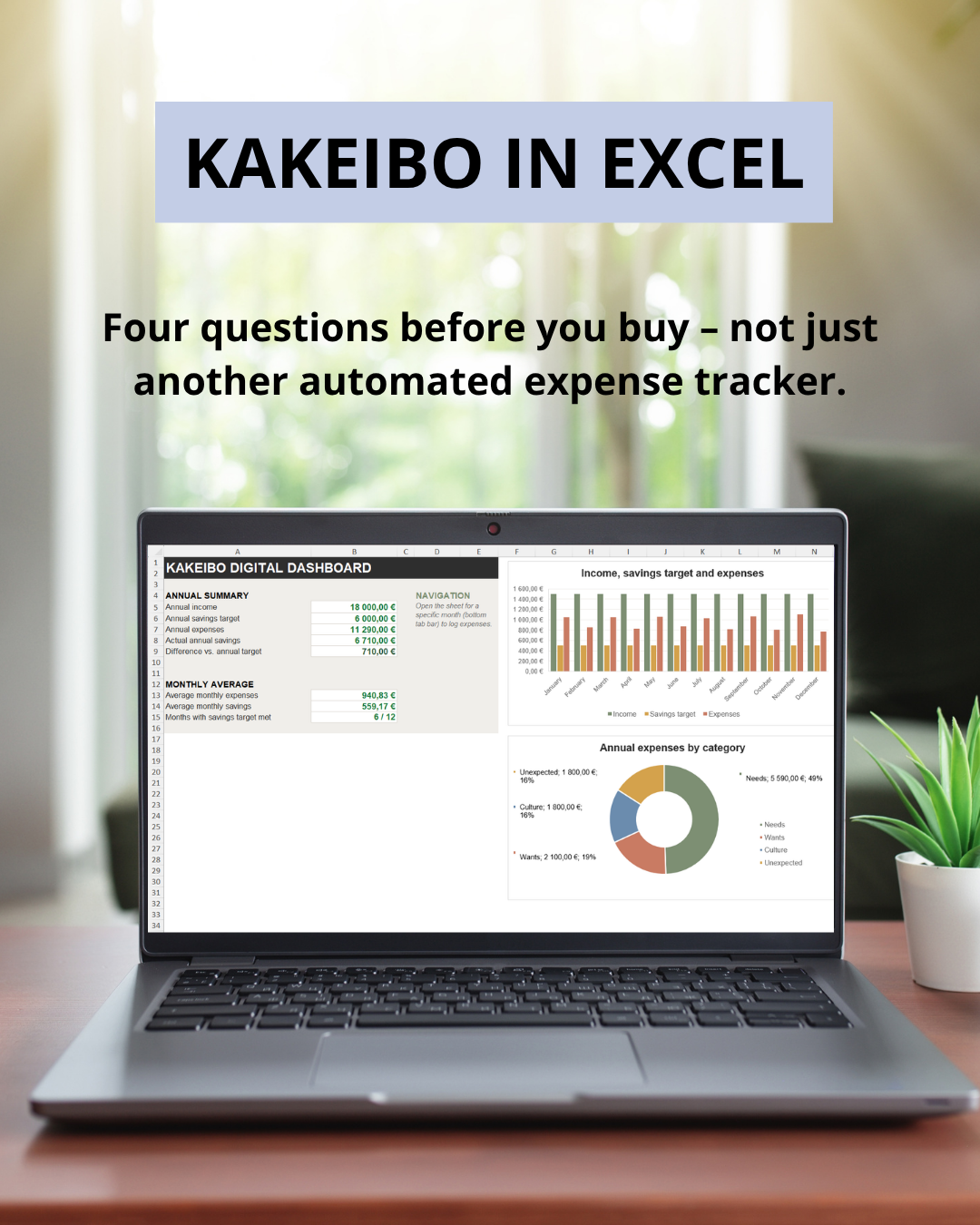
Four questions, every month:
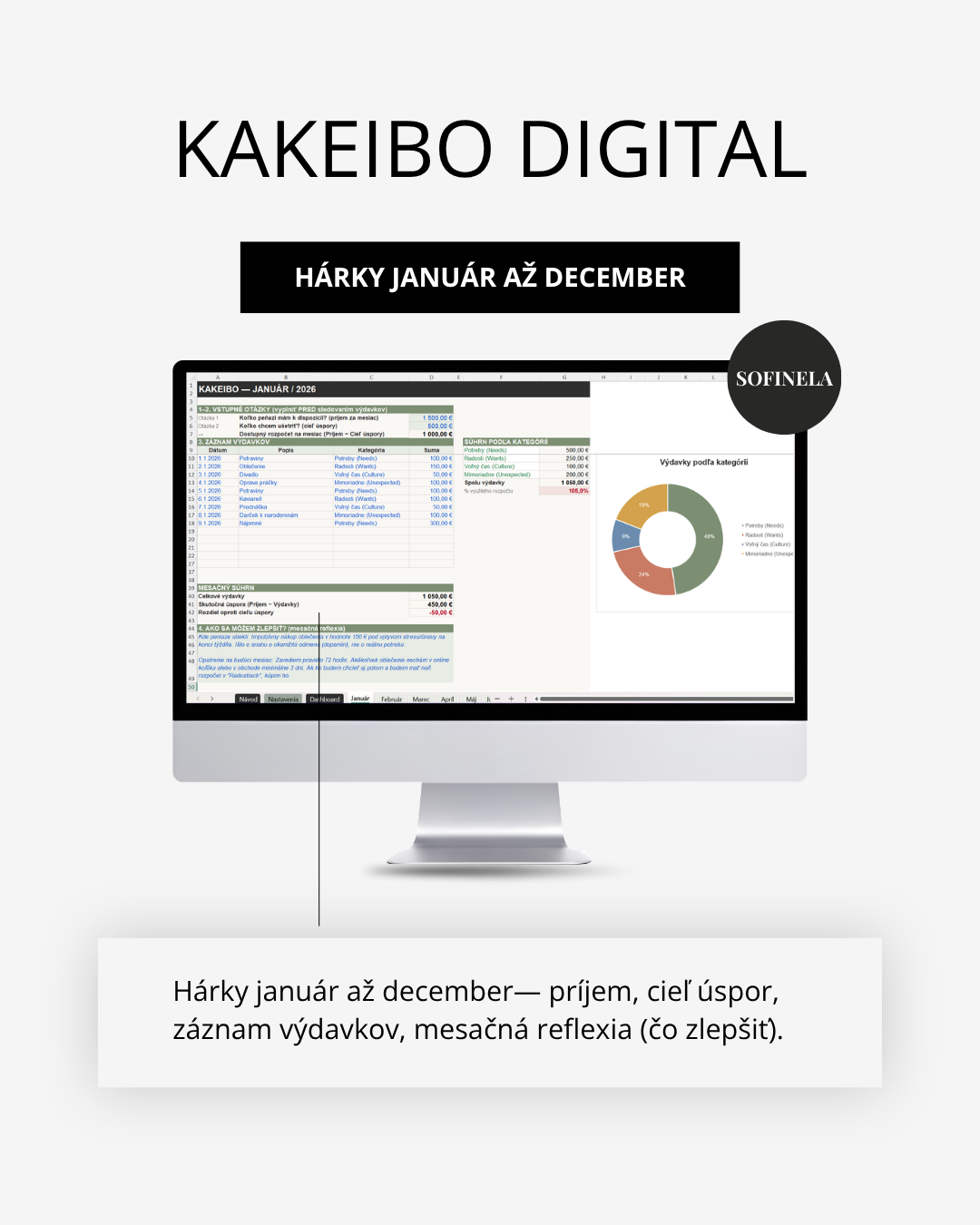
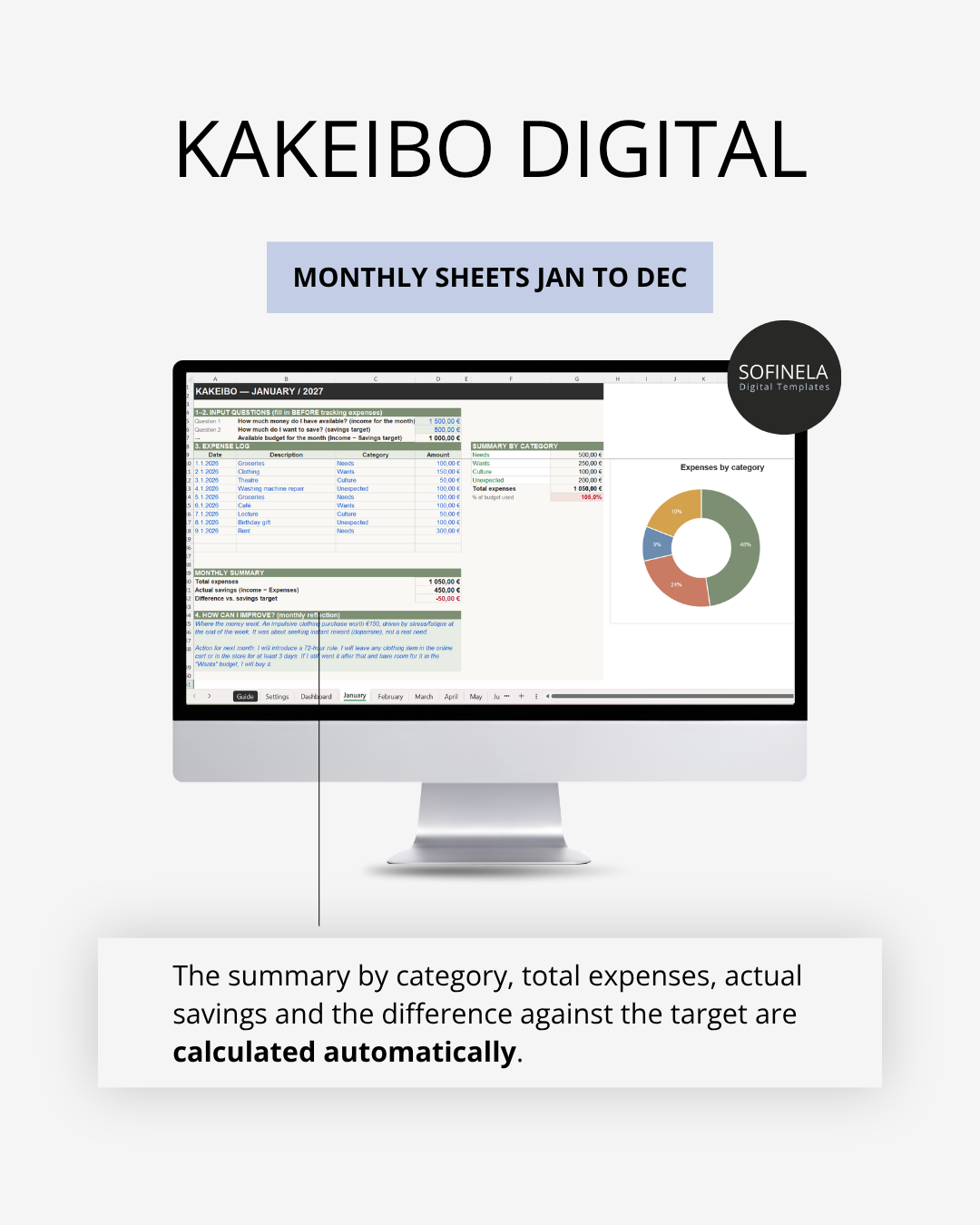
- How much do I have — the income you enter at the start of the month.
- How much do I want to save — a savings goal set in advance, not estimated after the fact.
- How much do I actually spend — an ongoing record of expenses in four categories: Needs, Wants, Culture, Unexpected.
- How can I improve — a monthly reflection. A text field where, at the end of the month, you write down what you’d like to do differently next time.
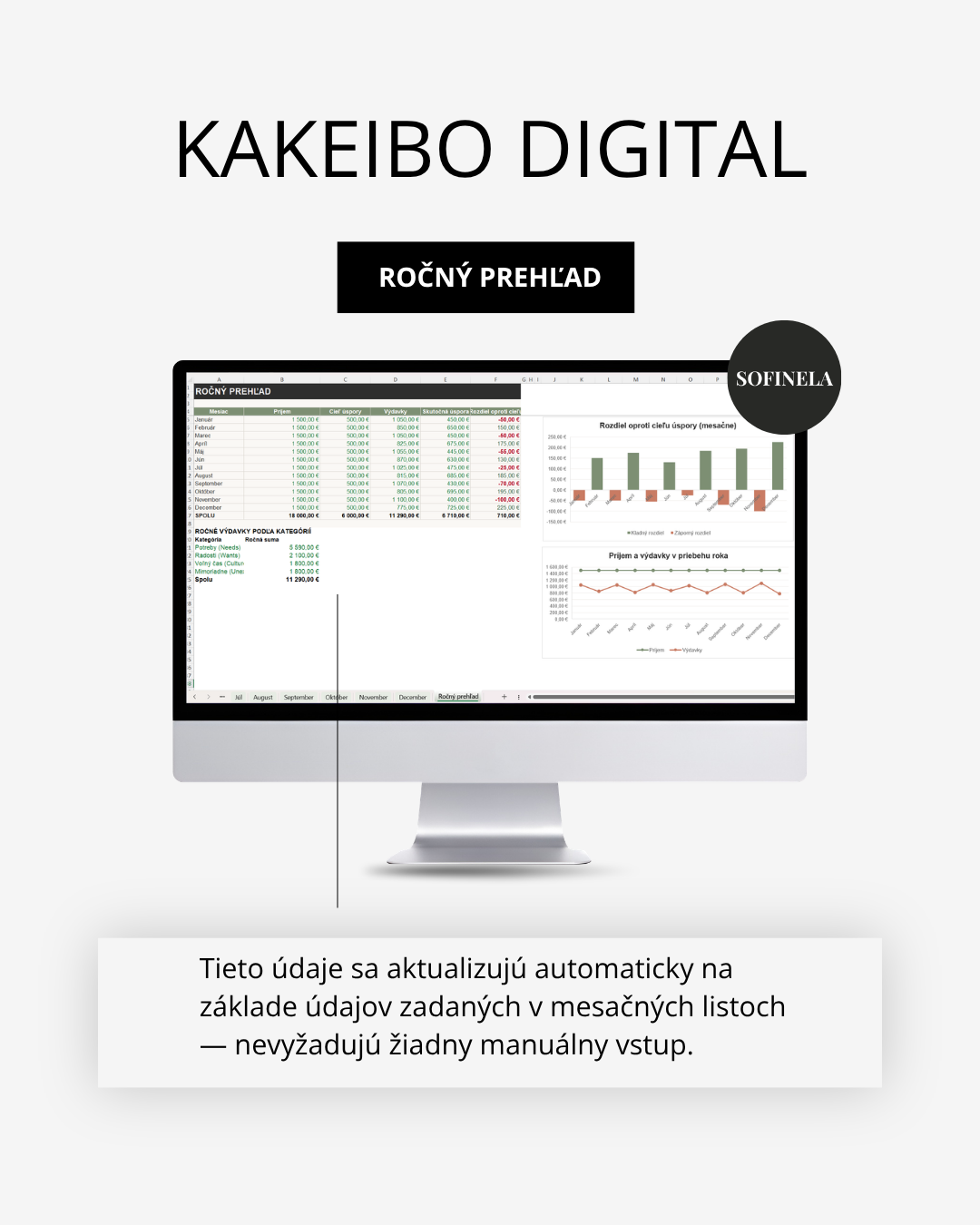
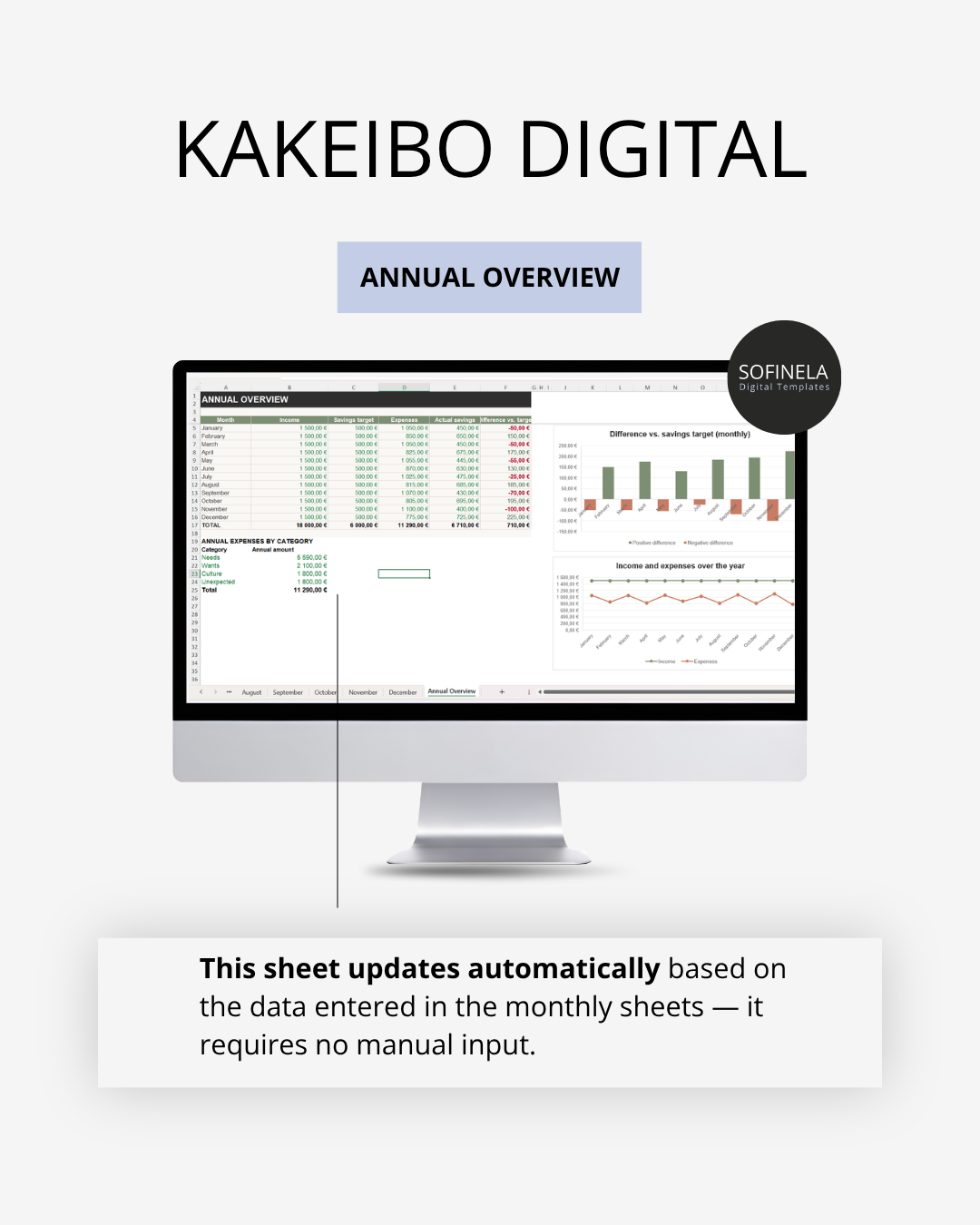
Summaries, the annual overview, and charts are calculated automatically.
What you get after payment
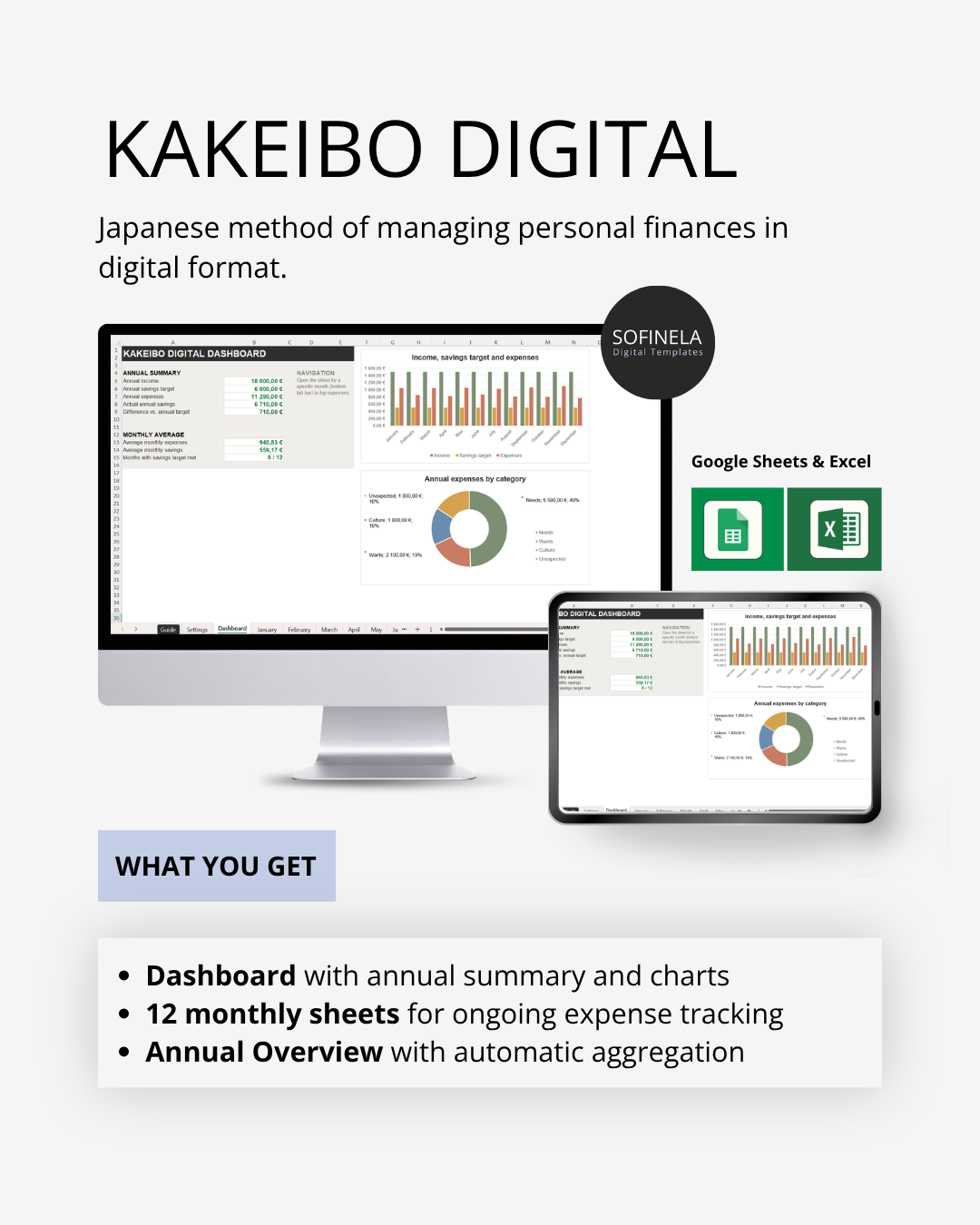
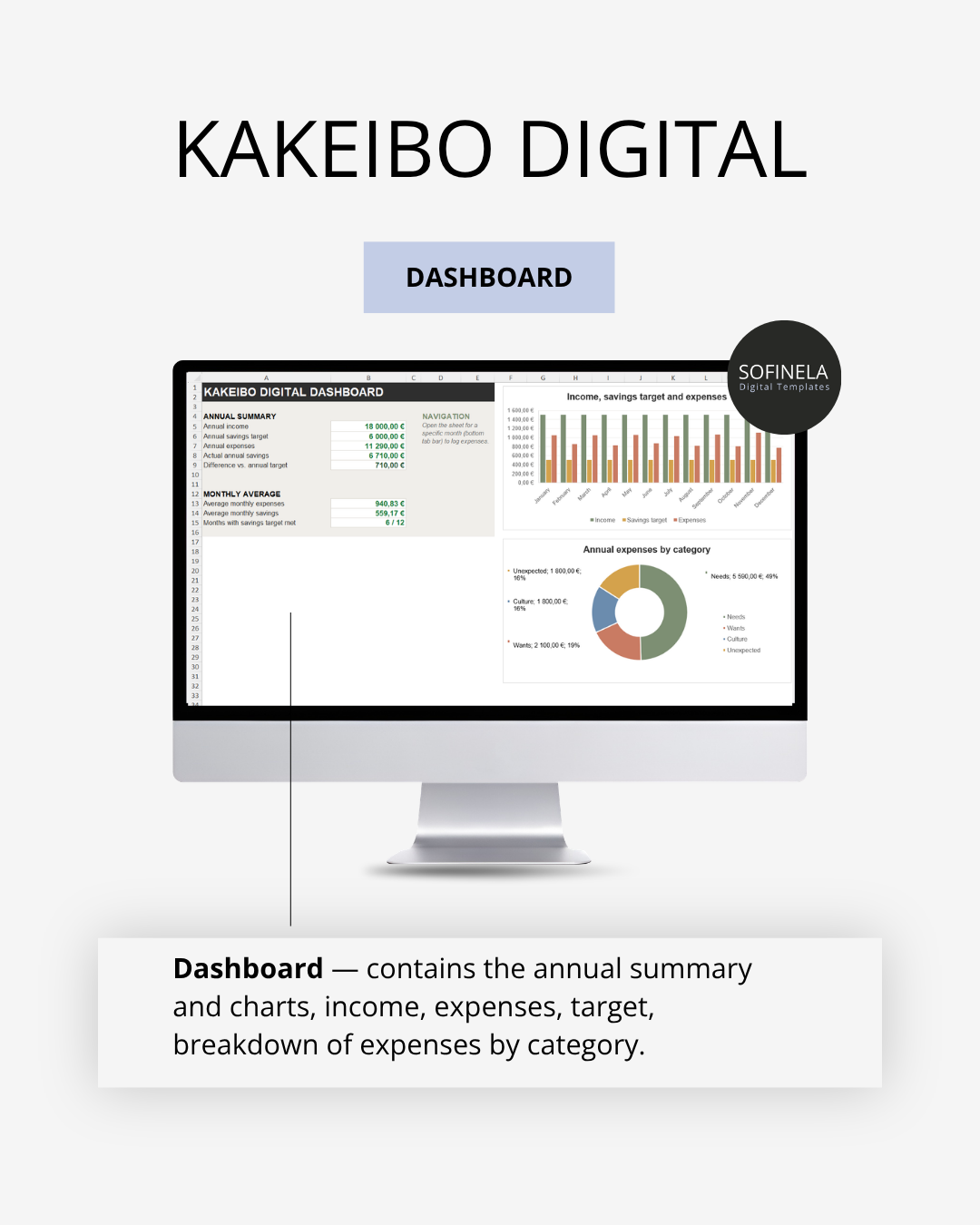
- Dashboard with an annual summary and charts
- 12 monthly sheets for ongoing expense tracking
- Annual overview with automatic aggregation
- Protected formulas — you edit only the input fields, while the calculations remain untouched.
- Compatibility: Fully functional in Excel 2021 and Microsoft 365 (Windows and Mac).
Note: In older versions of Excel (2019 and earlier), the formulas will not work correctly.
Who FAMILY FINANCES is for
FAMILY FINANCES (Kakeibo) is for anyone who wants to approach spending with a specific intention, not just record it. It is not a tool for strict budget oversight; other templates in the range (Personal Finance) are designed for that. The colour warning when a budget is exceeded is not a judgement of failure here; it is simply a signal you will notice during your monthly reflection.
You’ll receive 1 PDF file with instructions and a link to Google Sheets, or 1 MS Excel file.